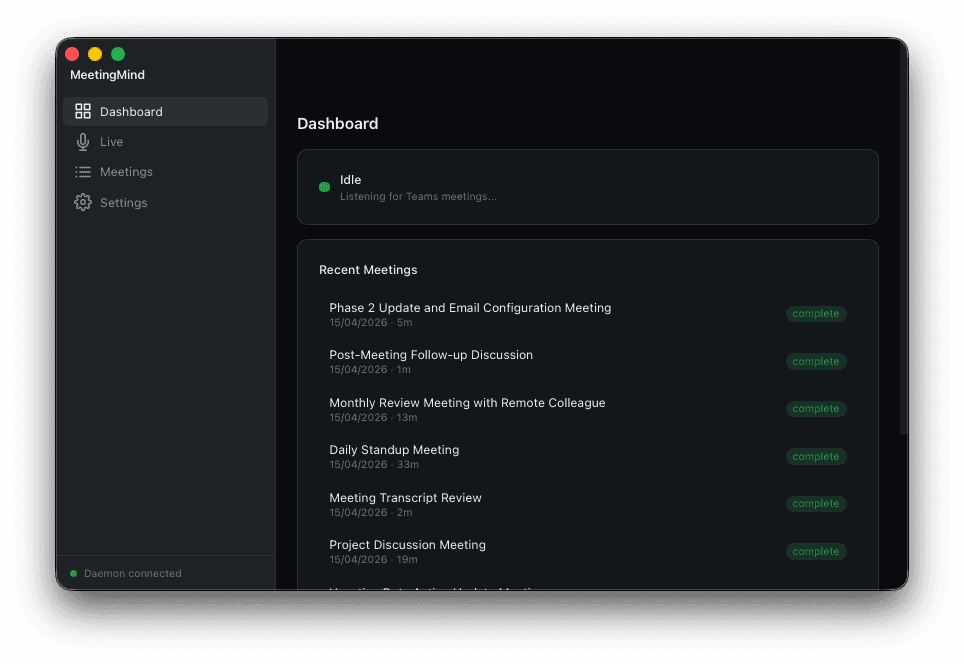
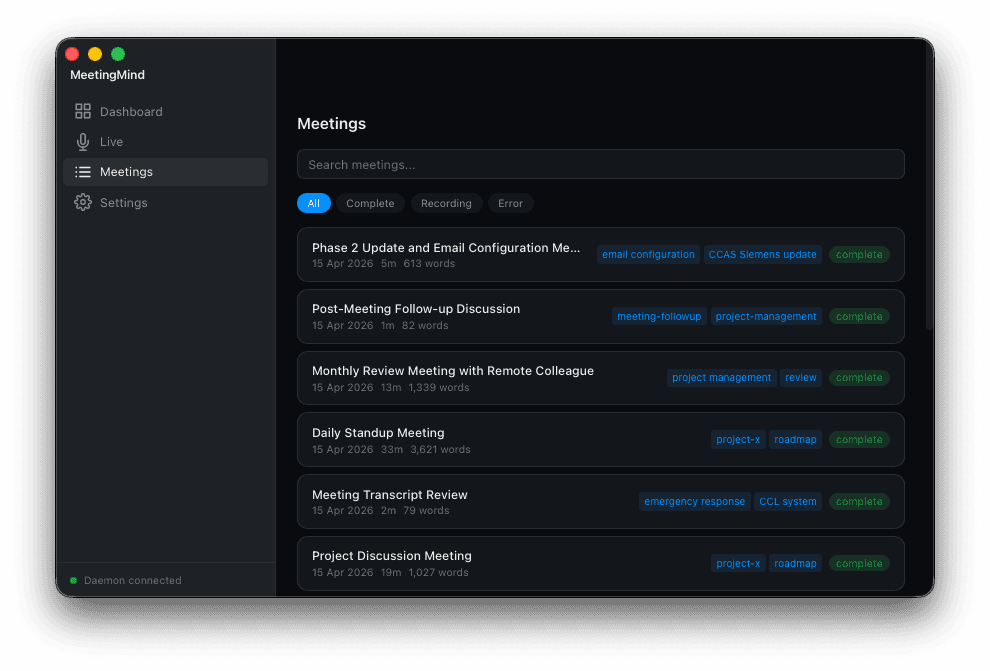
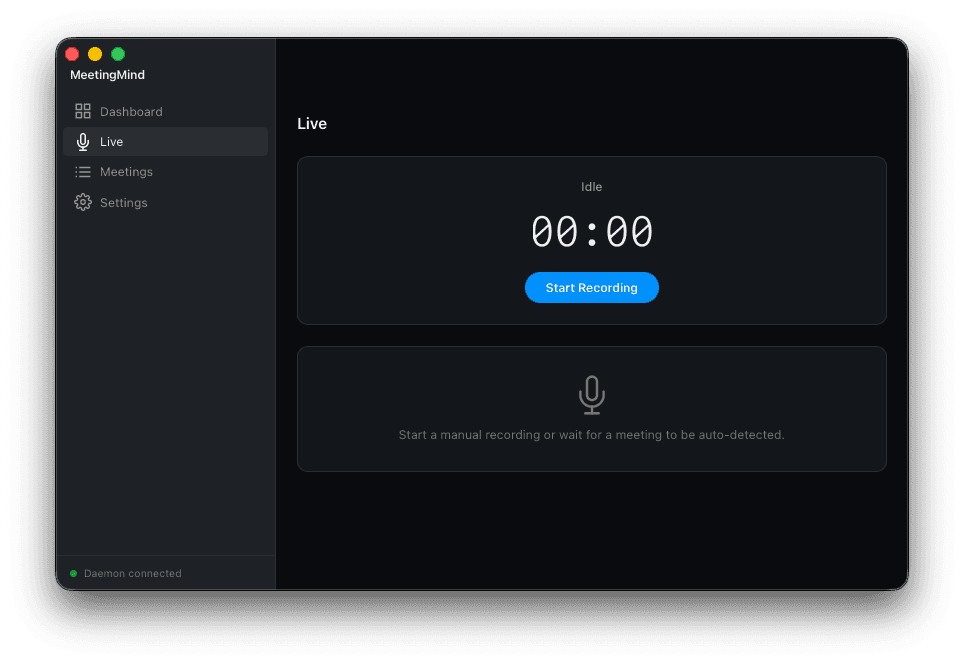
A1. Tauri v2 shell with a React and TypeScript frontend handles the desktop UI, window management, and native integration points while keeping the binary small.
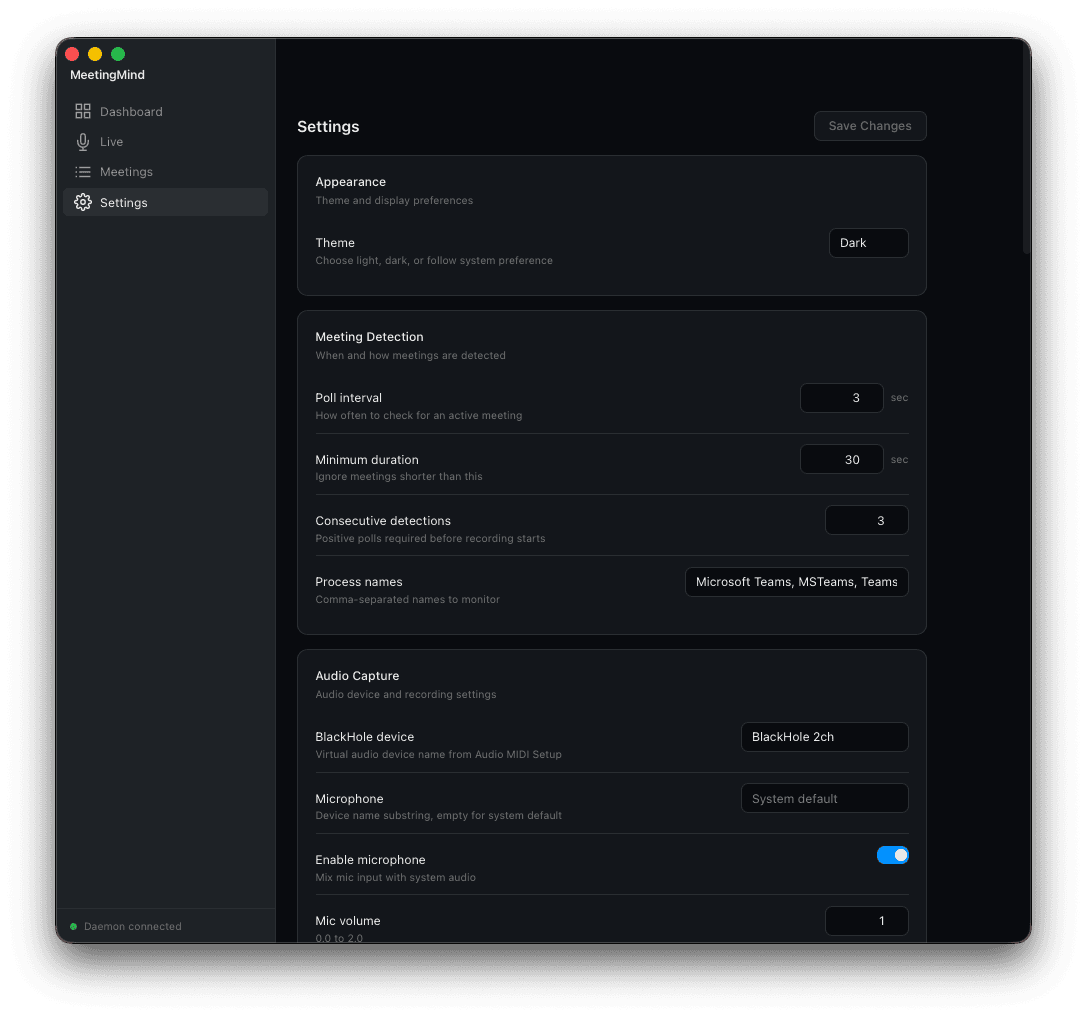
A2. A Python FastAPI daemon bound to localhost runs alongside the shell, responsible for meeting detection, lifecycle state, and orchestrating the audio capture subsystem.
A3. Dual audio capture pulls system output through the BlackHole virtual driver and microphone input in parallel, then merges the two streams with RMS normalisation so neither side dominates the mix.
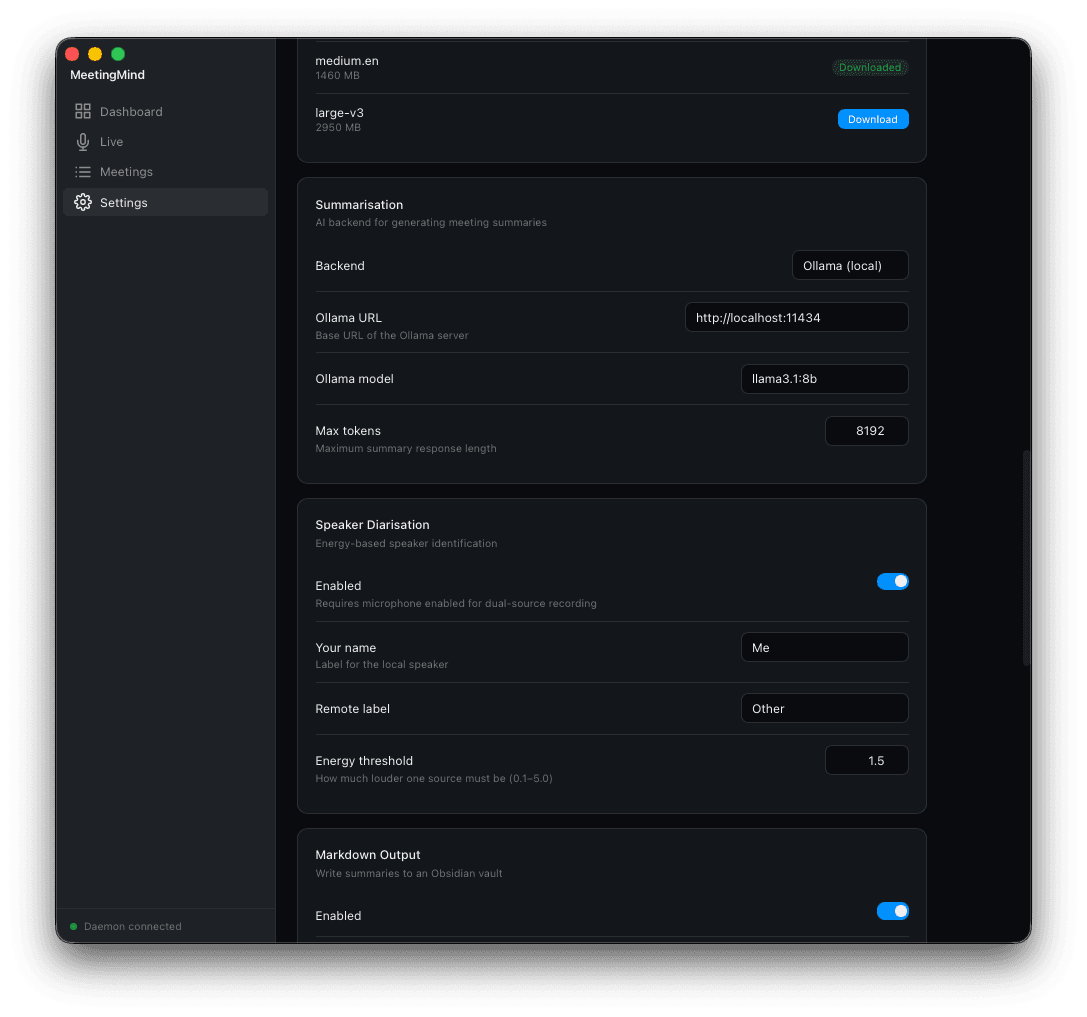
A4. The transcription pipeline runs faster-whisper on a CTranslate2 backend with energy-based diarisation, producing speaker-labelled timestamped segments without any network traffic.
A5. A summary layer routes transcripts to either a local Ollama model or the Claude API, so the same pipeline supports fully offline operation or higher-quality cloud summaries.
A6. An export layer writes Markdown with YAML frontmatter for Obsidian or pushes structured pages into Notion databases, while SQLite stores meeting metadata and backs full-text search across history.